
Storage
Node modules and Docker Images: The Two Reasons Your Mac Keeps Filling Up Quietly
Excerpt Node modules and Docker can quietly consume tens or even hundreds of gigabytes on your Mac. Learn why they keep growing, why deleting them is only a temporary fix, and how to reclaim storage without disrupting your development workflow.
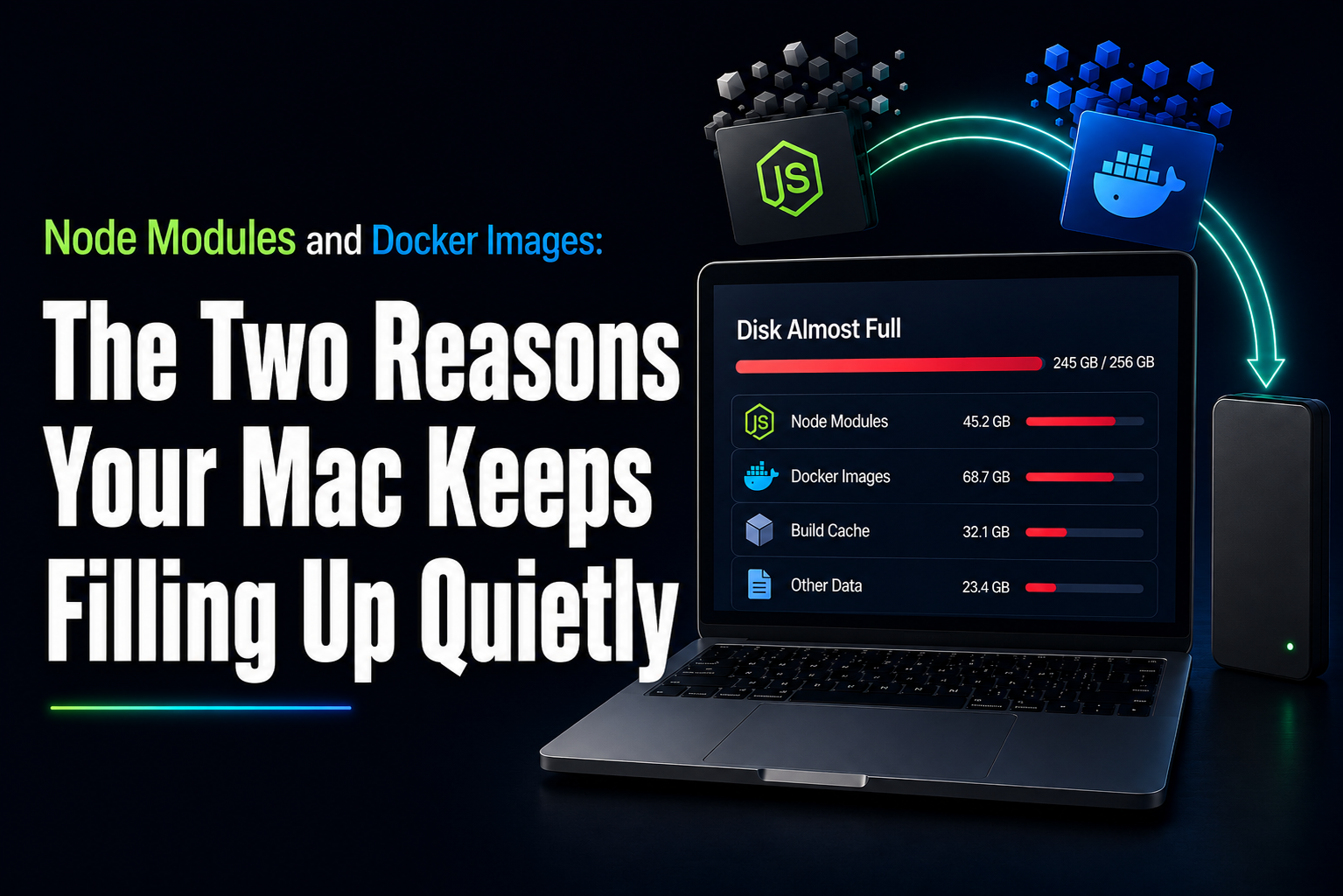
Nobody notices node modules or Docker eating their disk in real time. There's no dialog box, no warning. You just open Finder one day, sort by size, and find out your "256GB should be plenty" MacBook has been lying to you for a year. Worth talking about these two together, because they fail the exact same way: both are supposed to be temporary, and both quietly stopped being temporary a long time ago.
Node Modules: one folder is nothing; fifty is a problem
A single node_modules folder isn't the issue. One React or Next.js project usually lands between 200MB and 1GB. Annoying, but fine. The issue is that npm's hoisting doesn't eliminate duplicates; it just reduces them. Five packages needing slightly different semVer ranges of lodash can genuinely end up with two or three copies of lodash in the same tree. Multiply that across every dependency with a messy version history, then multiply that across the 10 to 50 projects most working developers have cloned somewhere on their machine, and 20–80GB is where you land without ever deciding to put it there. There's a Hacker News thread where a developer found 50GB of duplicated node modules on one machine just from repos sitting side by side. Not an edge case. That's the default behaviour of the ecosystem. Then there's what it leaves behind. Native binaries for things like esbuild, sharp, or Playwright's browser downloads run 50–200MB each, and every runtime keeps its own separate cache on top of npm's, Yarn's, pnpm's, Bun's. Ten or twenty old projects plus a few years of package-manager cache, and you've lost 30GB you can't point to.
Docker: the file that grows but never shrinks
Docker's version is worse, for one specific reason: Docker Desktop keeps all images, stopped containers, build cache layers, and named volumes inside a single virtual disk file, Docker.raw. It grows every time you build or pull something. It doesn't shrink on its own. So you run docker system prune -a, it reports 40GB reclaimed, you check Finder, and the file hasn't moved. That's not a bug; Prune frees space inside Docker.raw, and getting it back from macOS takes a separate compaction step almost nobody's heard of. I've seen people decide prune "doesn't work" for exactly this reason when it did exactly what it said and just didn't mention step two. 20 - 200GB sitting in Docker, raw, is completely normal for anyone doing regular container work, and most of it is doing nothing: old layers from a refactor three sprints ago and build cache for a Dockerfile nobody runs anymore.
Why you'll be back here in three months
Both of these are regenerable. npm install rebuilds node modules from the lockfile. docker pull re-fetches an image the moment you need it. Deleting either one doesn't cost you anything permanent; it trades disk space today for a slower install later. Which is exactly why the cleanup never sticks. You prune, you get your green disk icon back, and a few months later you're running the same commands again because the thing that filled the disk in the first place, cloning projects and building images, never stopped happening. You didn't fix anything. You just emptied the bucket.
Moving it instead of deleting it
The real fix isn't a better prune schedule. It's realizing node_modules and Docker.raw don't need to live on your internal drive; they just need to be somewhere your tools can find them. That's the point of Storage Studio. Instead of deleting these and regenerating them from scratch every time, it relocates the folders to a fast external drive and leaves a smart link at the original path. npm run dev and docker build don't know anything moved, same paths, same commands. The only difference is your boot disk isn't holding 100GB of build artifacts anymore. It's part of the bigger idea behind the product: your Mac, an external drive, and your cloud accounts stop being separate things you manage one at a time, and become one space. Tuhi watches for what's genuinely safe and regenerable real caches, cold data, and clears or relocates it on its own, previewing every move first. Nothing personal moves without you saying yes, and every action has one-click undo.
The actual takeaway
node_modules and Docker aren't going anywhere; they're just part of the job. The fix was never deleting more often. It's putting the regenerable stuff somewhere that isn't your boot disk, so this stops being a recurring afternoon. Take control of your Mac. Install Storage Studio.